









How to prepare print-ready artwork
Colour mode, resolution, bleed and fonts: the checks that keep your print sharp and on schedule.
Most print delays start with the artwork file. A design that looks right on screen can print with dull colours, soft images or text cut off at the edge. These checks cover the problems we see most often.
Work in CMYK, not RGB
Screens mix red, green and blue light. Presses and large format printers lay down cyan, magenta, yellow and black ink. Bright RGB colours, especially neon greens and electric blues, have no exact CMYK match. Set your document to CMYK from the start and you will see realistic colour while you design.
Use the right resolution
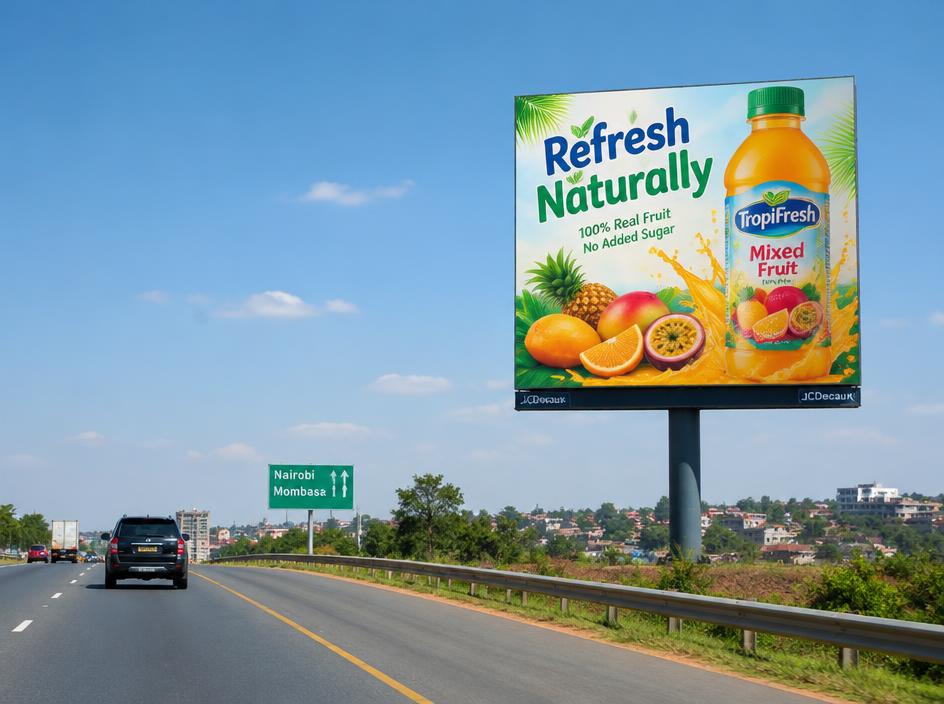
For items read at arm’s length, such as business cards, flyers and brochures, place images at 300 dpi at their final printed size. Large format work is viewed from further away, so banners and billboards can use a lower resolution. Supply logos as vector files (PDF, AI, EPS or SVG) so they stay sharp at any size.
Add bleed and keep a safe margin
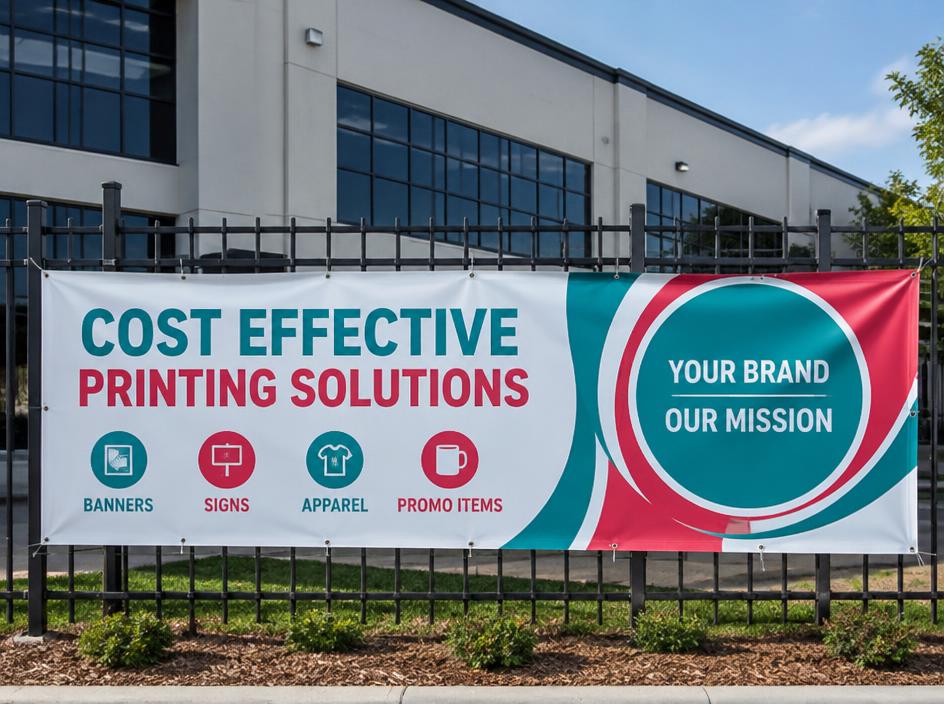
Bleed is extra artwork that runs past the trim line, so no white edge shows after cutting. A common allowance for small format print is 3 mm on every side. Keep text and logos a few millimetres inside the trim line as well. Large format products have their own allowances for hems, eyelets and pole pockets, so confirm the template before you start.
Outline fonts and include images
If a font is missing when your file is opened, it is replaced and the layout shifts. Convert text to outlines or export a PDF with the fonts embedded, and make sure linked images are included.
A quick checklist before you send
- Document set to CMYK at the final size
- Images at 300 dpi for small format print
- Bleed added, with important content inside the safe margin
- Fonts outlined or embedded
- Exported as a print-ready PDF
No print-ready file? Send us your logo and a rough idea. Our designers prepare or check your artwork and send a proof before anything is printed.
Ready to start? See business cards and brochures, or send us your brief.